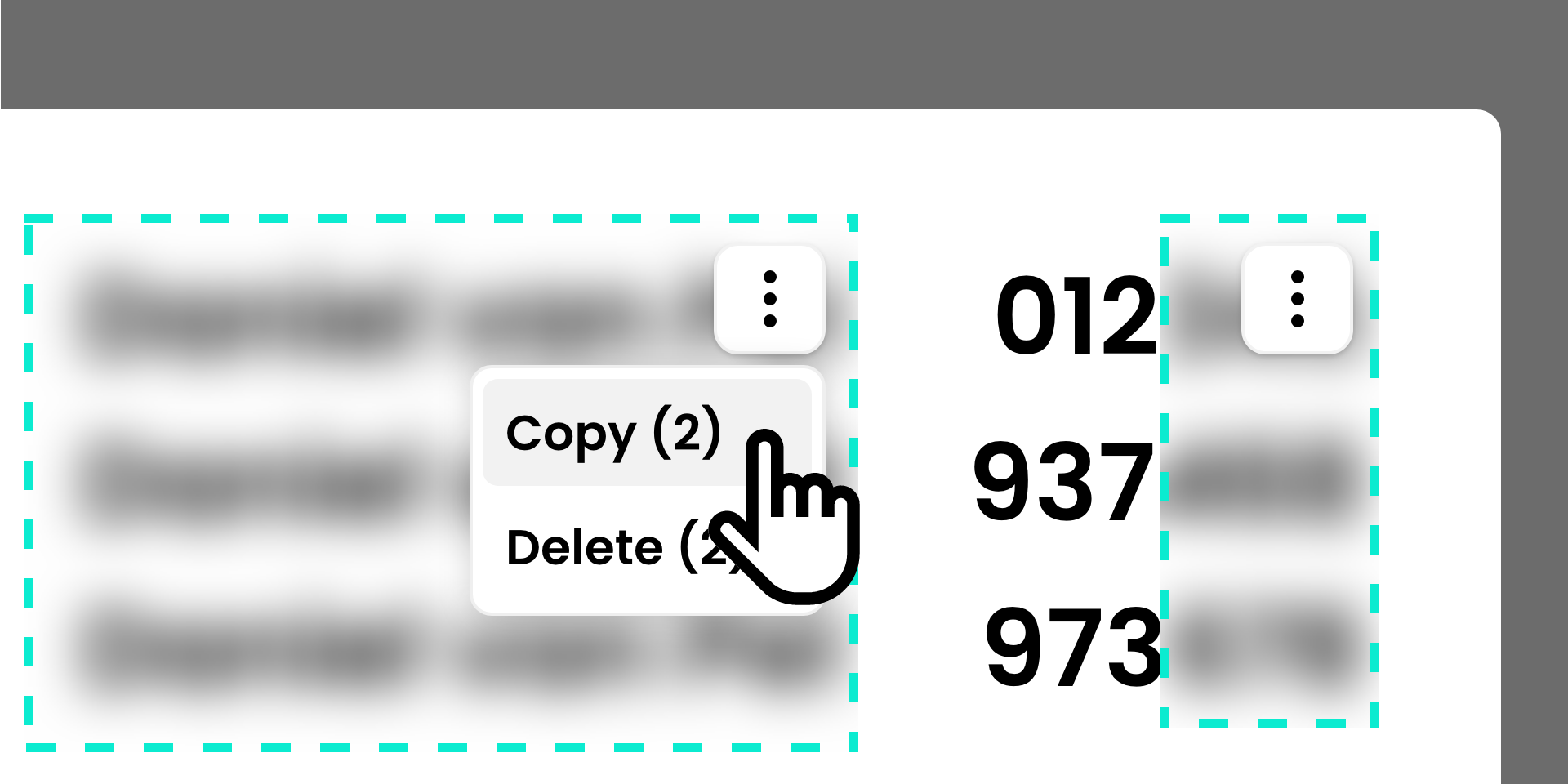
Multi-select and copy censoring
Censoring the same areas across multiple steps has become easier. Hold down the CTRL key and click to select multiple censor areas.
The copy and paste functionality now also supports multiple selected censor areas. You can now copy and/or paste multiple censor areas at once.
Revamped SelfGuide Recorder (Preview)
The SelfGuide Recorder has undergone a major overhaul. The user experience is now more streamlined and accessible:
- Start the SelfGuide Recorder directly from the browser.
- No separate authentication required.
- Use the control panel to work with the SelfGuide Recorder (start, end, upload).
- Edit recorded steps directly in your browser.
The result is a fully integrated recording workflow. This new SelfGuide Recorder is currently available as a preview to gather customer feedback.
Interested in exploring this new functionality or joining the preview? Please contact gert.kienhuis@selfguide.com.
Bug fixes
The following issues have been resolved:
- The instruction preface did not display the instruction description.
- Large courses displayed the completion dialog even when not all items had been completed.
- Text selection was not possible in various places throughout the application.
- Images and notes were not correctly aligned and scaled in embedded instructions when using Firefox and Safari.
- Ordered and unordered lists in sections were not styled correctly.
- An expired token resulted in a 500 error instead of a 401 error with a redirect to the login page.
- Opening user guides with more than 100 chapters was slow.
Application icons
The following applications have been added with an icon:
- Adobe Audition
- Adobe Creative Cloud
- Adobe Illustrator
- Adobe Photoshop
- Adobe Premiere
- Adobe InDesign
- Adobe Lightroom
- Awaretrain
- CorelDRAW Graphics Suite
- D5 Render
- DGMR Software Geomilieu
- DGMR Software NoiseAtwork
- Elanzai
- LOQ Manager
- Mendeley
- Microsoft Excel for web
- Microsoft PowerPoint for web
- Microsoft Word for web
- MijnEigenPlan
- Paessler PRTG
- PeopleFluent
- PQR Recast Application Workspace
- PrintFactory
- RAP
- Rapid7
- Rx.Enterprise
- SDB Analytics
- SDB Digitale Zorg
- SDB ECD
- SDB ECD | Gehandicaptenzorg
- SDB ECD | Jeugdzorg
- SDB ECD | Ouderenzorg
- SDB EPD
- SDB EPD | GGZ (User)
- SDB EPD | Revalidatie
- SDB EPD | ZBC (Asterisque)
- SDB HR/Salaris
- SDB KIS
- SDB Leerplatform
- SDB Octopus
- SDB Oudercommunicatie
- SDB Planning
- SDB Roosterplanning
- SDB Vrijwilligersportaal
- Tellent HR
- Tellent Recruitee
- Vectorworks
- ZorgfocuZ ImpulZ