
SelfGuide chat
Welcome to SelfGuide
Do you have a question? Then feel free to ask one of our colleagues, and you’ll usually receive a response within 24 hours.
Want an immediate answer to your question? Take a look at the pages below.
?

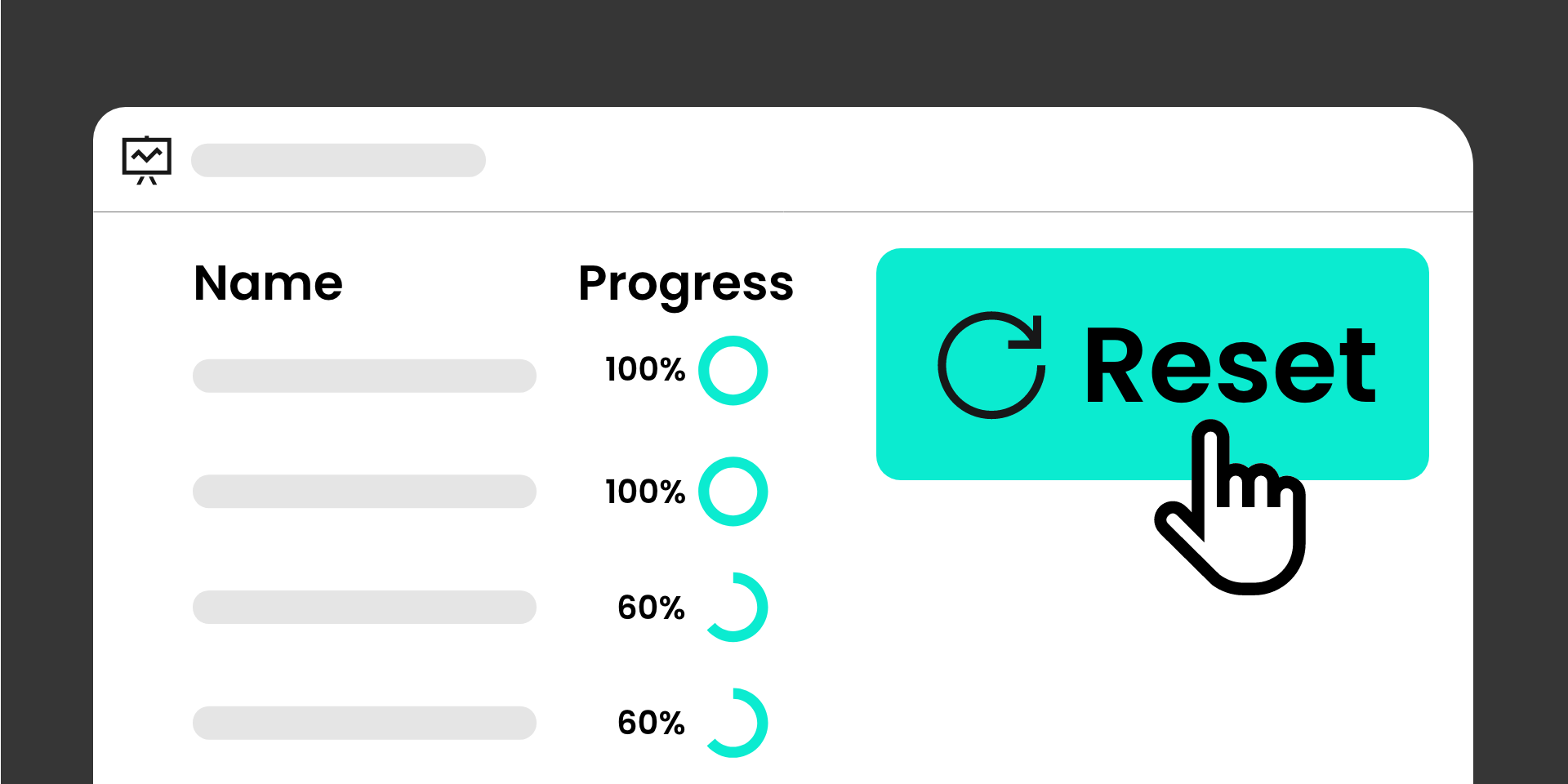
We introduce the ability to reset course progress for all users while preserving historical data, making it easy for colleagues to retake updated courses.
Course progress provides valuable insights for SelfGuide managers, helping them understand course adoption and how knowledge is shared with end users. In some cases, organizations need learners to complete a course again — for example, after significant course updates.
With the new Reset Progress functionality, administrators can reset progress for all users who previously started a course. This action:
This ensures reporting remains accurate and up to date, while enabling organizations to re-engage learners whenever course content changes.
A new REST API endpoint is now available for retrieving available content filter options. These filters include the tags and applications that can be used with the instruction search endpoint.
For more information, see the REST API documentation at
developer.selfguide.com
The following issues have been resolved:


