
SelfGuide chat
Welcome to SelfGuide
Do you have a question? Then feel free to ask one of our colleagues, and you’ll usually receive a response within 24 hours.
Want an immediate answer to your question? Take a look at the pages below.
?

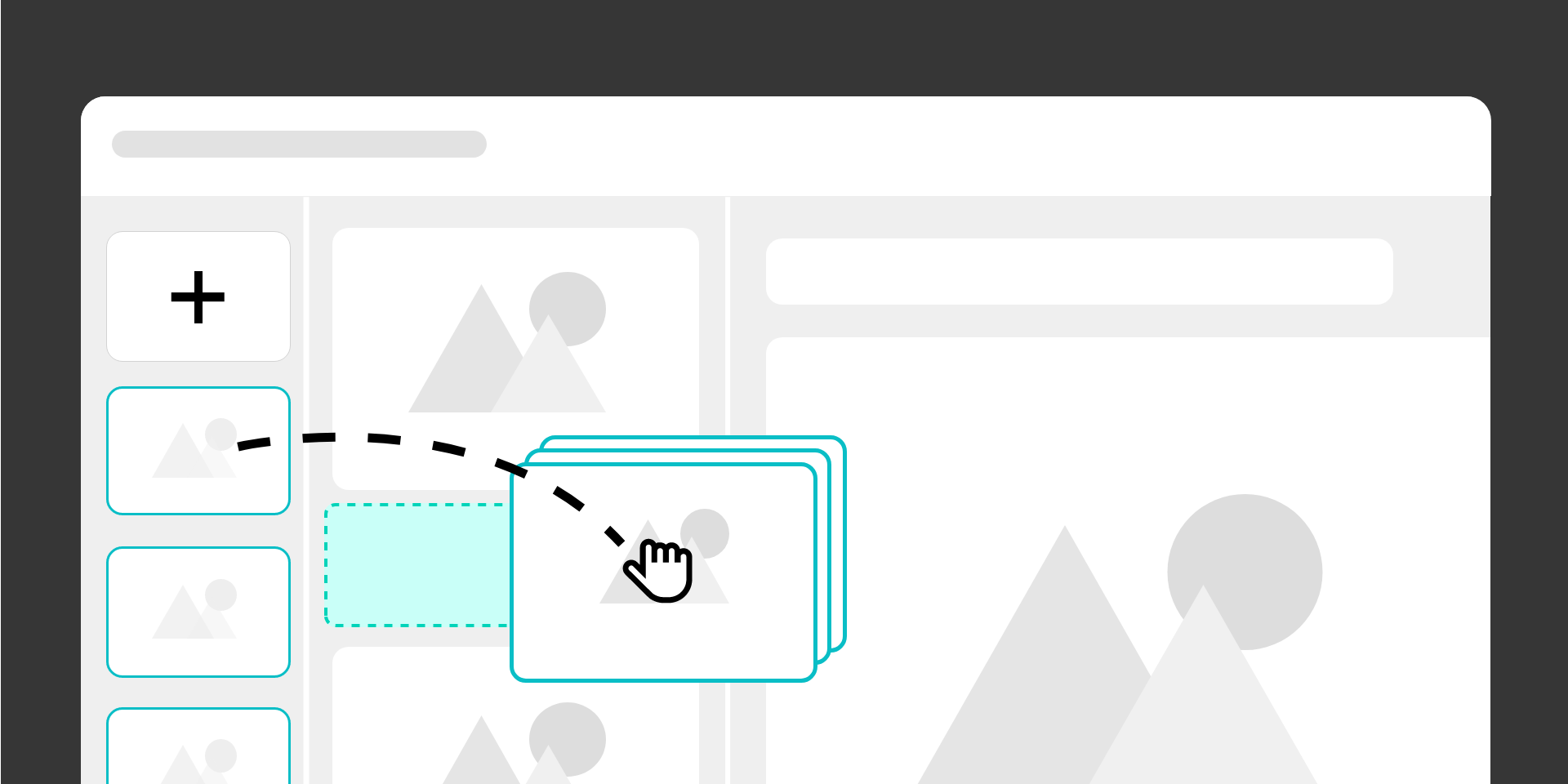
The instruction editor is revamped to give editors full control over recorded steps with a more flexible workflow, powerful bulk actions, and guided onboarding via a new in-editor tour.
The improved Instruction Editor introduces enhanced functionality for creating instructions using the SelfGuide Recorder. It offers a more flexible and efficient way of working.
The workflow has been redesigned. Recorded steps are no longer automatically added to an instruction. Instead, all recorded steps are made available to the editor, who can then choose which ones to include. This gives editors greater control and makes instructions easier to create and maintain.
To see the new editor in action, you can revisit the webinar held on 9 April here.
The revamped Instruction Editor is being rolled out gradually and becomes available after a one-time migration. This migration runs in the background, outside business hours, requires no action from editors, and does not impact daily usage.
A new guided tour is now available within the editor. It appears each time the editor is opened, until the user chooses to dismiss it.
Powered by the new SelfGuide University, the tour helps both new and existing editors get up to speed and make the most of the updated experience.


