
SelfGuide chat
Welcome to SelfGuide
Do you have a question? Then feel free to ask one of our colleagues, and you’ll usually receive a response within 24 hours.
Want an immediate answer to your question? Take a look at the pages below.
?

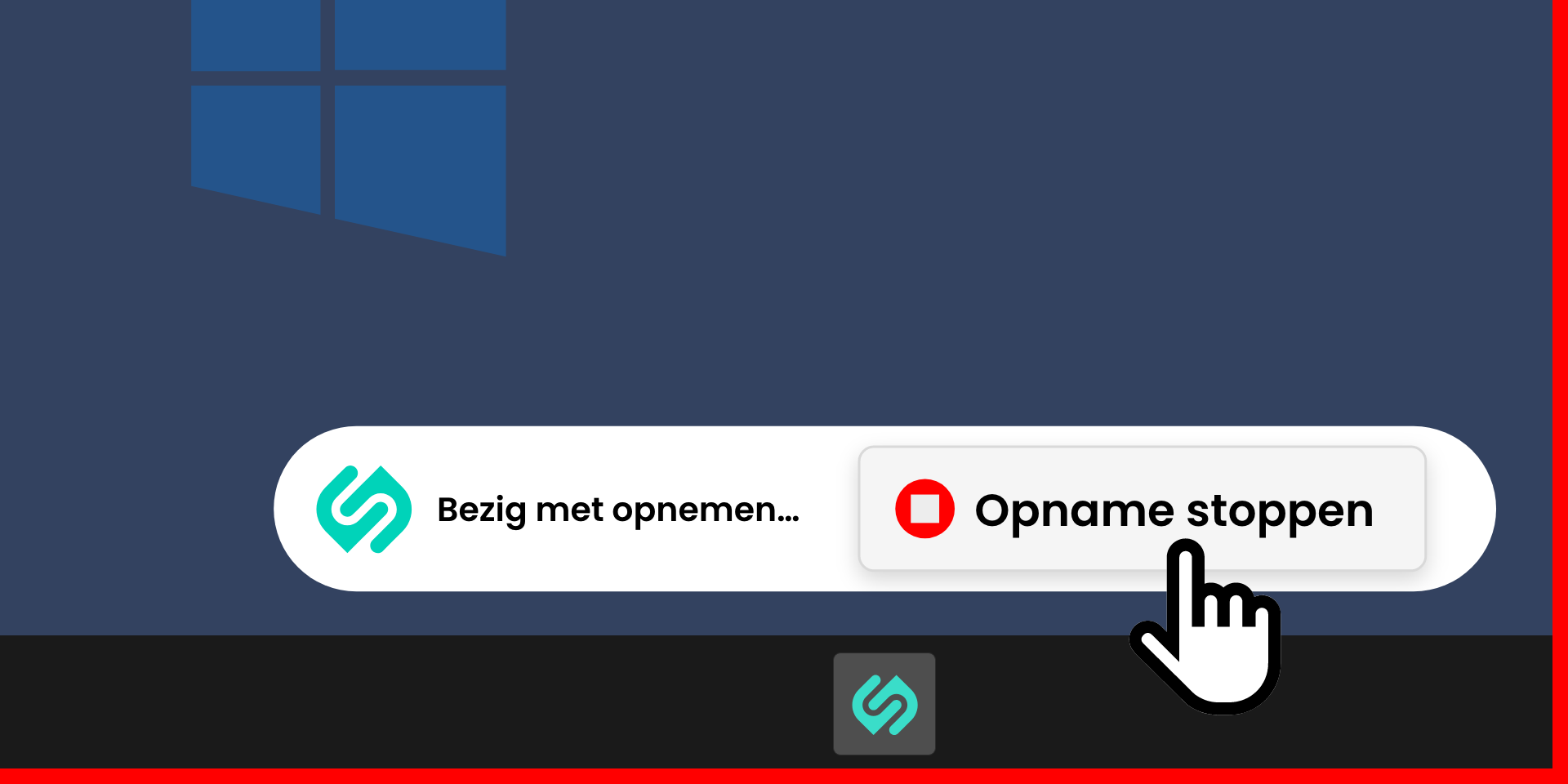
Meet the new SelfGuide Recorder! We've completely revamped the experience to make it more streamlined, intuitive, and user-friendly, helping you create instructions faster and with less effort.
The SelfGuide Recorder has undergone a major transformation. After an extensive preview period and valuable user feedback, the new version is now generally available.
The redesigned SelfGuide Recorder delivers a faster, more intuitive, and streamlined experience, with several key improvements:
• Launch the SelfGuide Recorder directly from your browser
• No separate authentication required
• Easily manage recordings using the browser toolbar (start, stop, and upload)
• Edit recorded steps directly in your browser
• Automatic multilingual support based on your browser language
These enhancements make creating and maintaining instructions easier than ever.
The latest version of the SelfGuide recorder is available on the download page.
See the instruction below for recording steps with the new SelfGuide Recorder.
When switching to the new SelfGuide Recorder, please keep the following in mind:
The following issues have been resolved:


